Lootbound hero upgrades: budget Memory Shards before spending
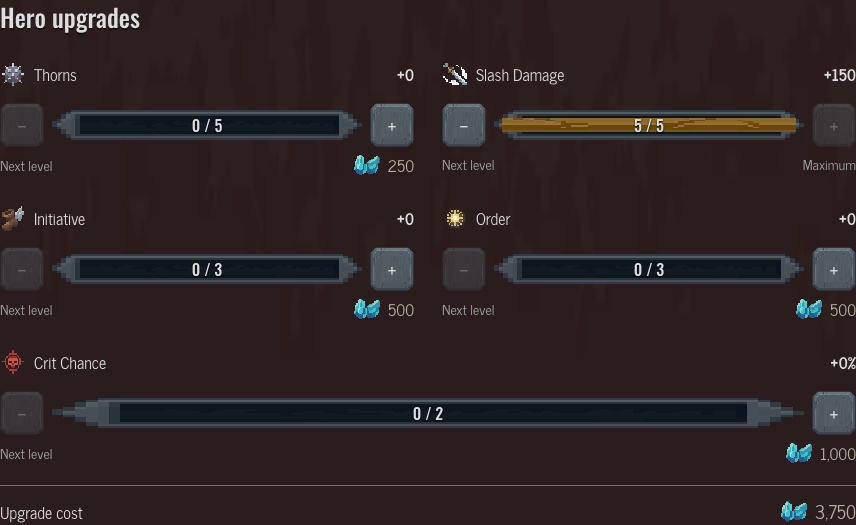
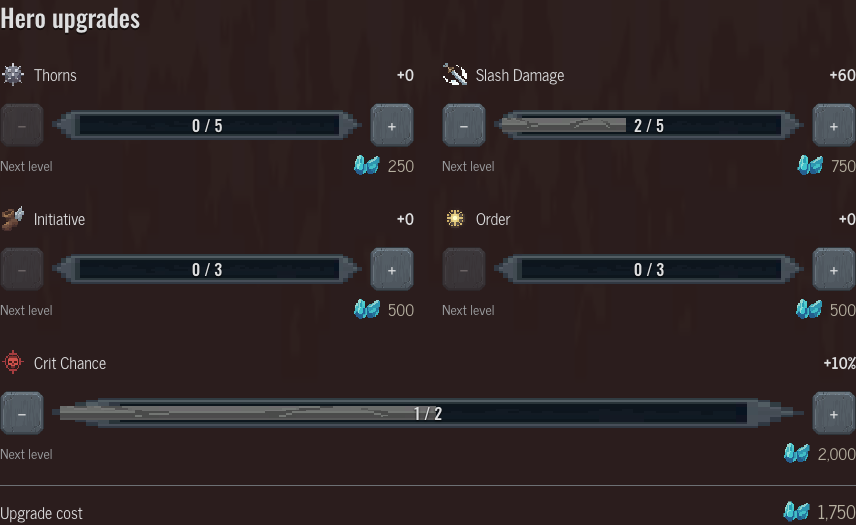
Budget the whole allocation, not just the price on the next button. For Warrior, buying two levels of Slash Damage costs 750 Memory Shards in total. Adding one level of Crit Chance brings that allocation to 1,750.
Try the example
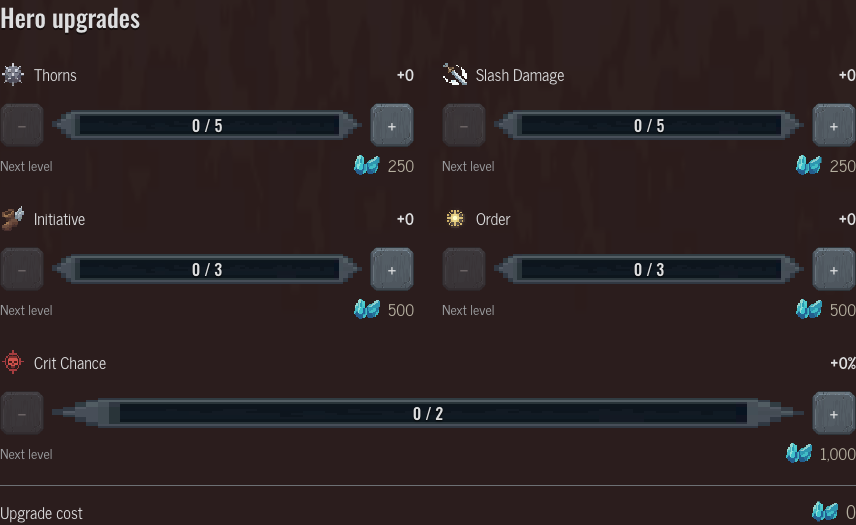
Hero upgrades
 Thorns+0
 250
250 Slash Damage+0250
 Initiative+0500
 Order+0500
 Crit Chance+0%1,0000
Why is the next-level price not the total cost?
Each row has its own starting price and purchased-level count. Its next purchase uses the starting price multiplied by the next level number. For the Warrior Slash Damage row, the first level costs 250, the second costs 500, and the third costs 750 Memory Shards. These are separate purchases, not alternative prices for the same upgrade.
The two-level total is therefore 250 plus 500, or 750. After those two purchases, the next-level button shows 750. Read the total below the panel when comparing allocations. Multiplying the currently displayed next-level price by every level you plan to buy would count the wrong prices.
What does a mixed allocation cost?
Try two levels of Slash Damage and one of Crit Chance in the example. The selected damage levels add 60 to that stat; the critical-chance level adds 10 percentage points. Their combined price is 1,750 Memory Shards. Different rows keep their own price progression, so buying a level in one row does not advance the purchase count of another.
The upgrade rows show what the selected levels add. The planner's character stats add them, with the equipment bonuses, to the base values; the planner does not choose a best build. The Warrior profile keeps base values distinct from purchased additions. Choose the stats that support the equipment and abilities you intend to use, then compare the cost of that actual plan. The example starts from zero purchases; it is not reading your current camp progress.
How do I keep the allocation with my equipment?
Open the selected allocation in the equipment planner. The hero and bought levels travel in the link, leaving you free to add the equipment you are considering. The planner separates equipment cost from upgrade cost: an item's listed value is not an extra camp-upgrade charge. The guide example uses its own saved state and does not change your existing hero or planner draft.
Use the plus and minus controls to compare affordable alternatives before saving a plan. When a row reaches its cap, its next purchase is unavailable; reducing the level makes it available again. A shared allocation records selected levels, not purchases made in your game. Keep that distinction when comparing a fresh character with one that already has upgrades.